
★ BEST IPTV TEST 2026

Best IPTV Test 2026 Try IPTV Before You Subscribe

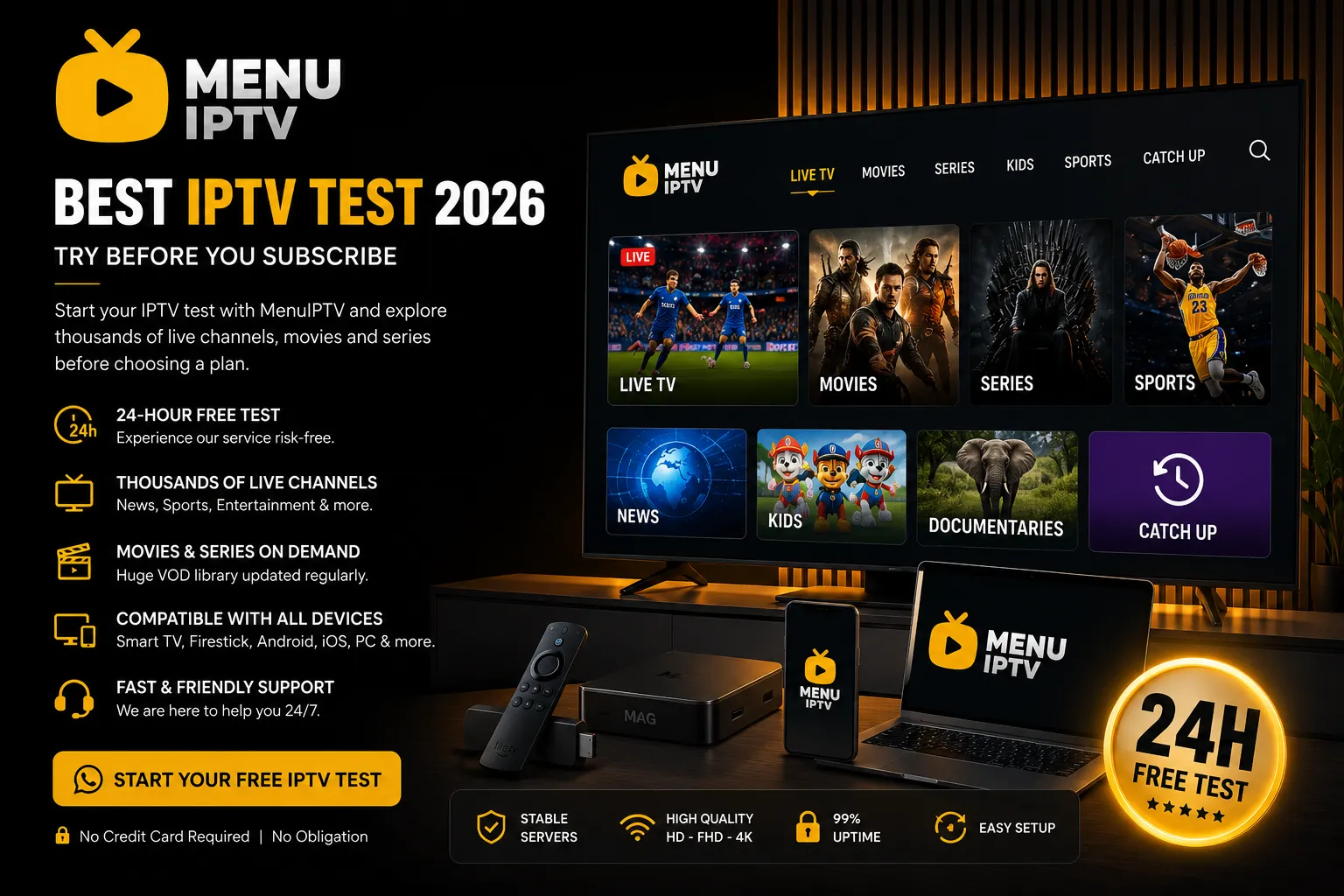
Start your IPTV test with MenuIPTV and explore the streaming experience before choosing a plan. Request a free trial, check device compatibility and test streaming performance directly on your preferred device.

✓ Quick Trial Request ✓ Easy Setup ✓ Multiple Devices
MENUIPTV

24H IPTV Test

● AVAILABLE

Test Your Streaming Experience

HD • Full HD • 4K where available
24H Test Access
FAST Activation
ALL Devices
Request Your IPTV Test →
IPTV TEST GUIDE

What Is an IPTV Test?

An IPTV test gives you the opportunity to explore a streaming service before choosing a subscription. It helps you check performance, device compatibility and the overall viewing experience on your own internet connection.

Test IPTV Before You Subscribe

Choosing a streaming service without testing it first can be difficult. Device performance, internet speed and application compatibility may influence your experience. A free IPTV test allows you to explore the service directly on the device you normally use.

During your IPTV test, you can check how quickly streams load, explore the interface and evaluate general playback performance. This gives you useful information before deciding whether the service meets your personal viewing requirements.

MenuIPTV makes the testing process simple. Request your test through our support team, provide basic device information and follow the setup instructions supplied for your compatible application.
24H

Why Start With a 24-Hour IPTV Test?

A 24-hour IPTV test gives you time to check the service at different moments of the day and on your own network. Testing before subscribing can help you make a more informed choice.

QUICK & SIMPLE

How Does the Free IPTV Test Work?

Starting a free IPTV test with MenuIPTV is simple. Follow three quick steps to request access, set up your compatible device and explore the streaming experience before subscribing.

01
STEP ONE

Request Your IPTV Test

Contact MenuIPTV through WhatsApp and request your IPTV test. Tell our support team which device you plan to use so we can provide relevant setup information.

Request Free Test →
03
STEP THREE

Test the Experience

Use your IPTV test to review playback, navigation and general performance on your own internet connection. Explore the service before deciding whether it suits your needs.

Check Compatible Devices →
24H Test Period
3 Simple Steps
FAST Trial Request
SUPPORT Setup Assistance
WHY MENUIPTV?

Why Choose MenuIPTV for an IPTV Test in 2026?

A good IPTV test should help you understand the service before you subscribe. MenuIPTV gives you the opportunity to explore streaming performance, device compatibility and the overall user experience before choosing a plan.

Test First. Choose With Confidence.

Every device, application and internet connection can provide a different streaming experience. That is why starting with an IPTV test can be useful before making a longer commitment.

With MenuIPTV, the testing process is designed to be clear and simple. Contact our support team, tell us which device you use and receive the information needed to start testing on a compatible application.

During the test period, you can explore general playback, navigation and performance on your own network. This helps you decide whether the service matches your viewing preferences.

Start Your IPTV Test
01

24-Hour Test Access

Explore the streaming experience before choosing a subscription plan.

02

Simple Trial Request

Request your test directly through our MenuIPTV WhatsApp support.

03

Multiple Device Support

Check compatibility with Smart TV, Fire TV, Android and other devices.

04

Setup Assistance

Receive useful setup information based on your compatible device and app.

05

Test on Your Own Network

Review general performance using the internet connection you normally use.

06

Try Before Subscribing

Use your IPTV test to make a more informed decision.

MENUIPTV 2026

Ready to Test the Streaming Experience?

Request a free trial and explore MenuIPTV on your compatible device before choosing a subscription.

Request Free Test →
DEVICE COMPATIBILITY

Compatible Devices for Your IPTV Test

Test MenuIPTV on a compatible device and review the streaming experience using the screen you normally watch. Device compatibility may depend on your operating system, application and network configuration.

TV

Smart TV

Explore the service on compatible Smart TV devices and supported streaming applications.

Samsung • LG • Android TV
FT

Fire TV & Firestick

Use a compatible Fire TV device to check playback and navigation on your television.

Fire TV • Firestick
AN

Android Devices

Try the streaming experience on compatible Android smartphones, tablets and TV boxes.

Phone • Tablet • TV Box
AP

Apple Devices

Check compatibility with supported applications on iPhone, iPad or Apple TV.

iPhone • iPad • Apple TV
PC

Windows & Mac

Review the service on your desktop or laptop using a compatible player or supported application.

Windows • macOS
ST

Streaming Devices

Different streaming devices may support different applications. Contact our team for compatibility information.

Compatible Devices
NOT SURE ABOUT YOUR DEVICE?

Ask MenuIPTV Before You Start

Before requesting your IPTV test, tell our support team which device and application you plan to use. We can provide general compatibility and setup information for your test request.

Check My Device →
SMART TESTING GUIDE

What Should You Check During an IPTV Test?

Before choosing a subscription, take time to evaluate the streaming experience on your own device and internet connection. A useful IPTV test is not only about opening a stream. You should review playback, navigation, compatibility and general usability.

01

Streaming Quality

Check the general picture quality available during your test. Review playback on the television, mobile device or streaming device you normally use.

02

Loading Performance

Pay attention to how the service responds when navigating and starting playback. Performance may also depend on your internet speed and network.

03

Device Compatibility

Make sure your preferred device and compatible application provide a comfortable viewing experience before selecting a longer plan.

04

Content Navigation

Explore the available categories and review how easily you can navigate through the interface using your preferred application.

05

Test at Different Times

If possible, review the streaming experience at different times of the day using the same internet connection you normally use.

06

Overall Experience

Consider the complete experience. The goal is to decide whether the service, setup and device compatibility match your personal needs.

TIP

Make the Most of Your 24-Hour Test

Use the trial period to test your primary device, normal internet connection and preferred compatible application. A realistic test environment gives you more useful information before subscribing.

Start Free Test →
FREQUENTLY ASKED QUESTIONS

IPTV Test FAQ – Everything You Need to Know

Have questions before starting your IPTV test? Find clear answers about the free trial, compatible devices, test duration and how to request access from MenuIPTV.

What is an IPTV test?

An IPTV test allows you to explore a streaming service before choosing a subscription. You can check general playback, device compatibility, navigation and the experience on your own internet connection.

Is the MenuIPTV test free?

You can contact MenuIPTV to request a free test. Trial availability and access details are provided by our support team when your request is reviewed.

How long does the free IPTV test last?

The standard MenuIPTV trial period is 24 hours. This gives you time to explore the service, test your preferred compatible device and review the streaming experience before subscribing.

How can I request an IPTV test?

Contact MenuIPTV through WhatsApp at +44 7884 827532. Tell our support team that you want to request a free trial and provide information about the device you plan to use.

Which devices can I use for testing?

Compatibility may include Smart TV, Fire TV, Android devices, Apple devices, computers and other supported streaming devices. Application compatibility may vary depending on your device.

Do I need fast internet for the test?

Your internet connection can affect streaming performance. We recommend using a stable connection and testing the service on the same network you normally use for streaming.

Can I test before buying a subscription?

Yes. The purpose of the trial is to give you an opportunity to explore the service before selecting a subscription plan.

What should I check during my trial?

Review playback, loading performance, device compatibility, navigation and general usability. Testing in your normal viewing environment can help you make a more informed decision.

24-HOUR FREE TEST

Ready to Start Your IPTV Test?

Contact MenuIPTV on WhatsApp and request your free trial today. Test the streaming experience before choosing your subscription.

Start Free IPTV Test →
MENUIPTV FREE TRIAL

Start Your Free IPTV Test Today

Ready to explore MenuIPTV before choosing a subscription? Request your 24-hour IPTV test and review the streaming experience on your compatible device. Test playback, navigation and device compatibility using your normal internet connection.

Contact our support team today and explore the service before choosing a subscription plan that matches your viewing needs in 2026.

✓ 24-Hour Free Test ✓ Multiple Devices ✓ Setup Assistance ✓ Test Before Subscribing